A Smart, Searchable Media Library
Find any moment. In seconds.
Golden Gem Studio keeps all your photos, videos and audio in one place. Just type what you’re looking for in plain words — like “CEO speaking at the 2024 town hall” or “product shots on a white background” — and it shows up instantly.



How it works
Four simple ways to find exactly the file you need — no folders, no file names to remember.

Describe It
Search by describing the picture. Type “customer testimonial filmed outdoors” and the right clips appear.
Find Who's In It
The library recognizes people, so you can pull up every photo and video of your spokesperson in one click — handy before a press deadline.

Search What's Said
Everything said in your videos and audio is written out, so you can search a quote like “we doubled our sales” and jump to the exact moment.
Tagged With Love
Labels like #portrait or #interview are added automatically, and your team can add its own — like #summer-campaign or #approved.
Try it yourself
Try typing “interview”, “city” or “music” to filter the sample files below.
15 of 15 assets
Painter in her studio
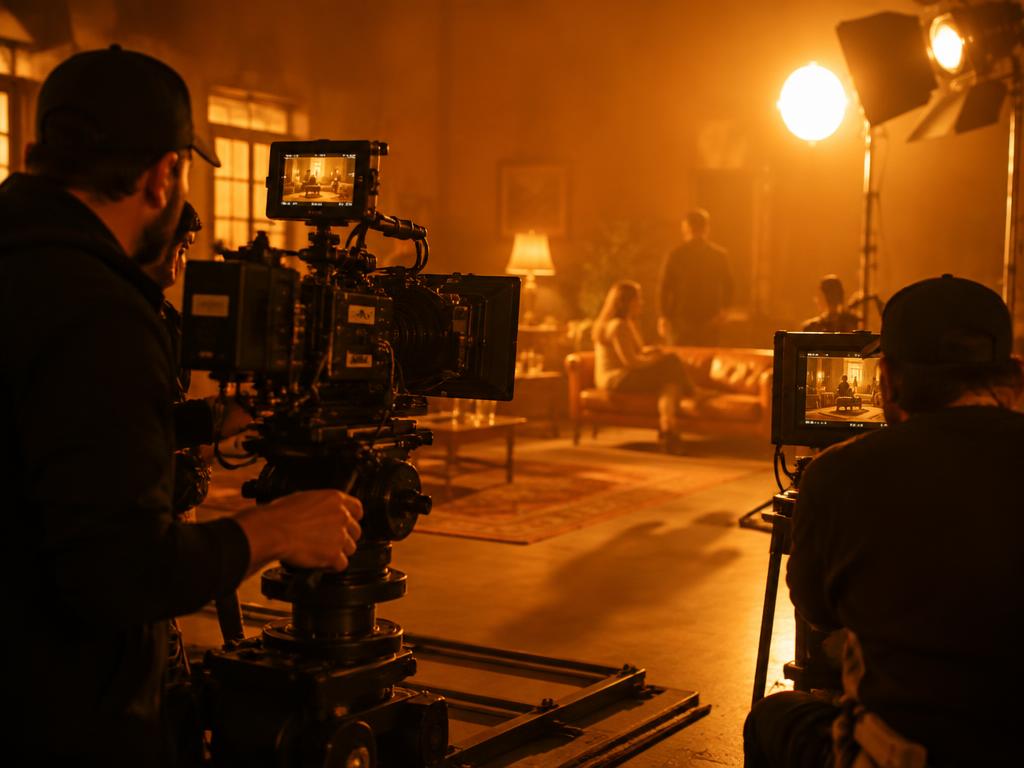
On set, take 4
Founders' podcast, ep. 12

Downtown at dusk

Ceramics still life

Acoustic session
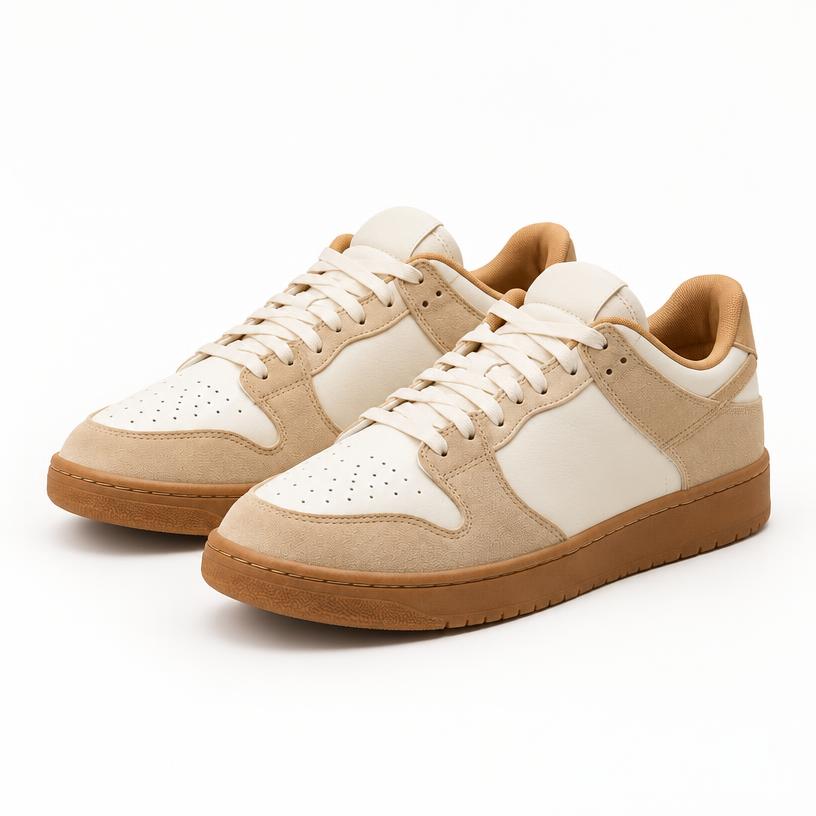
Sneaker launch — hero shot
CEO at the 2024 town hall
Customer testimonial, outdoors
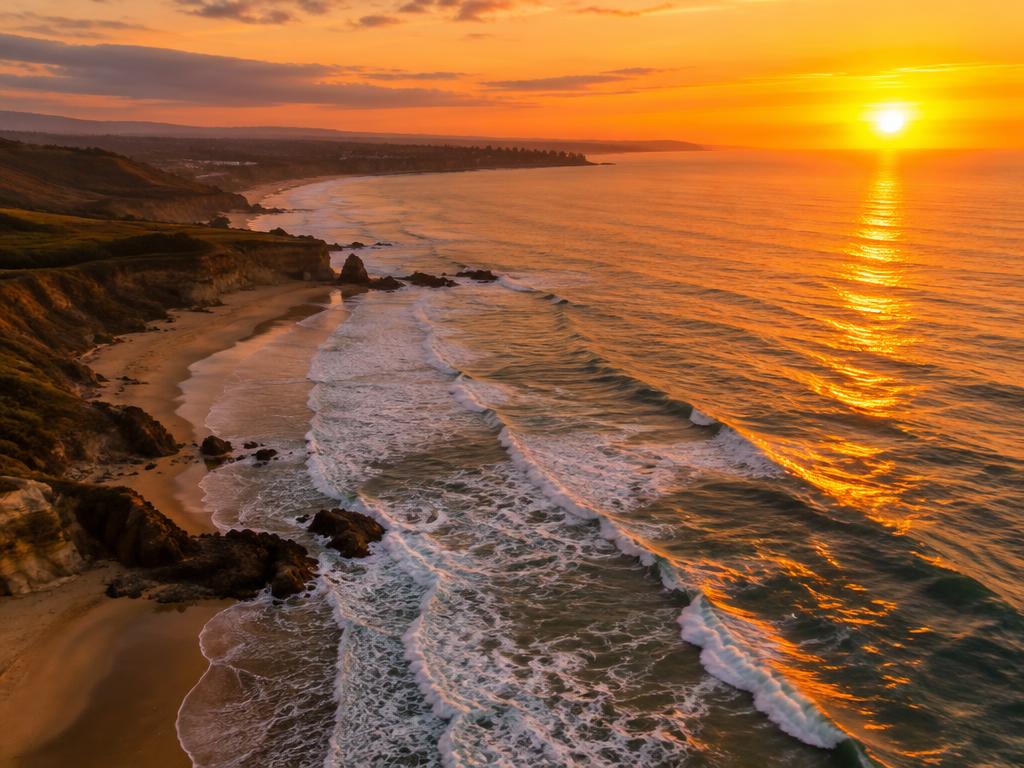
Coastline drone flyover

Q3 planning workshop
Café menu — almond croissant
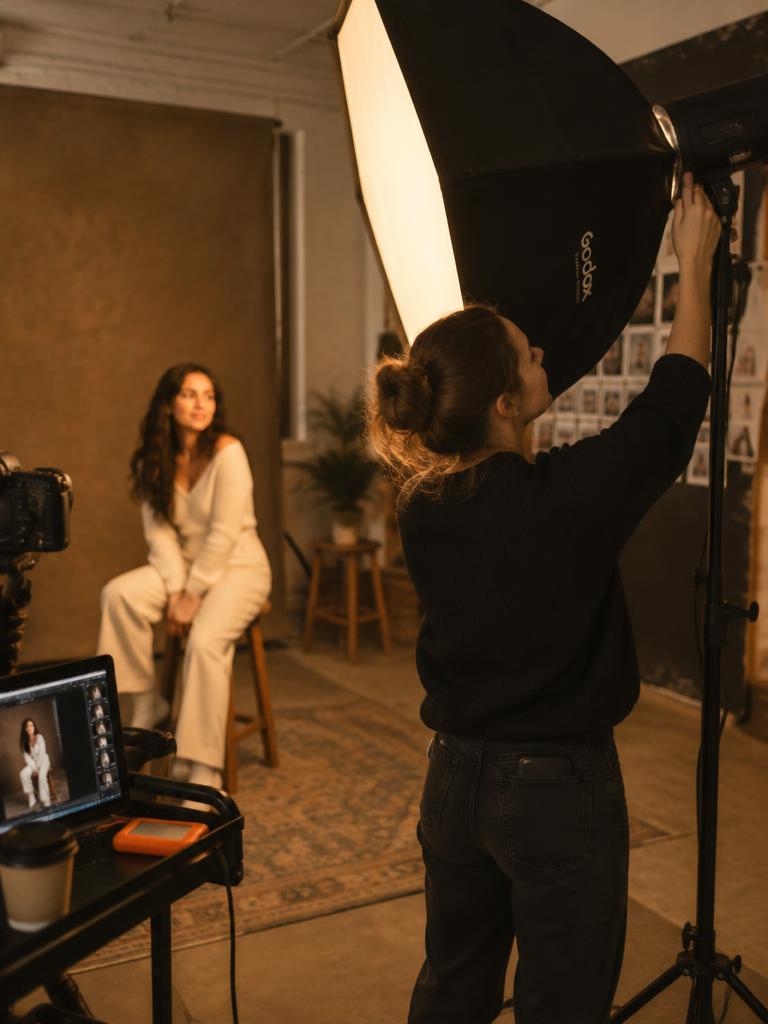
Lookbook shoot setup

Vocal take for summer ad

Saturday market b-roll